PDF Viewer with Reading Progress
Fast, smooth reading with pinch-to-zoom, page jumping, bookmarks, and automatic reading progress tracking across sessions.
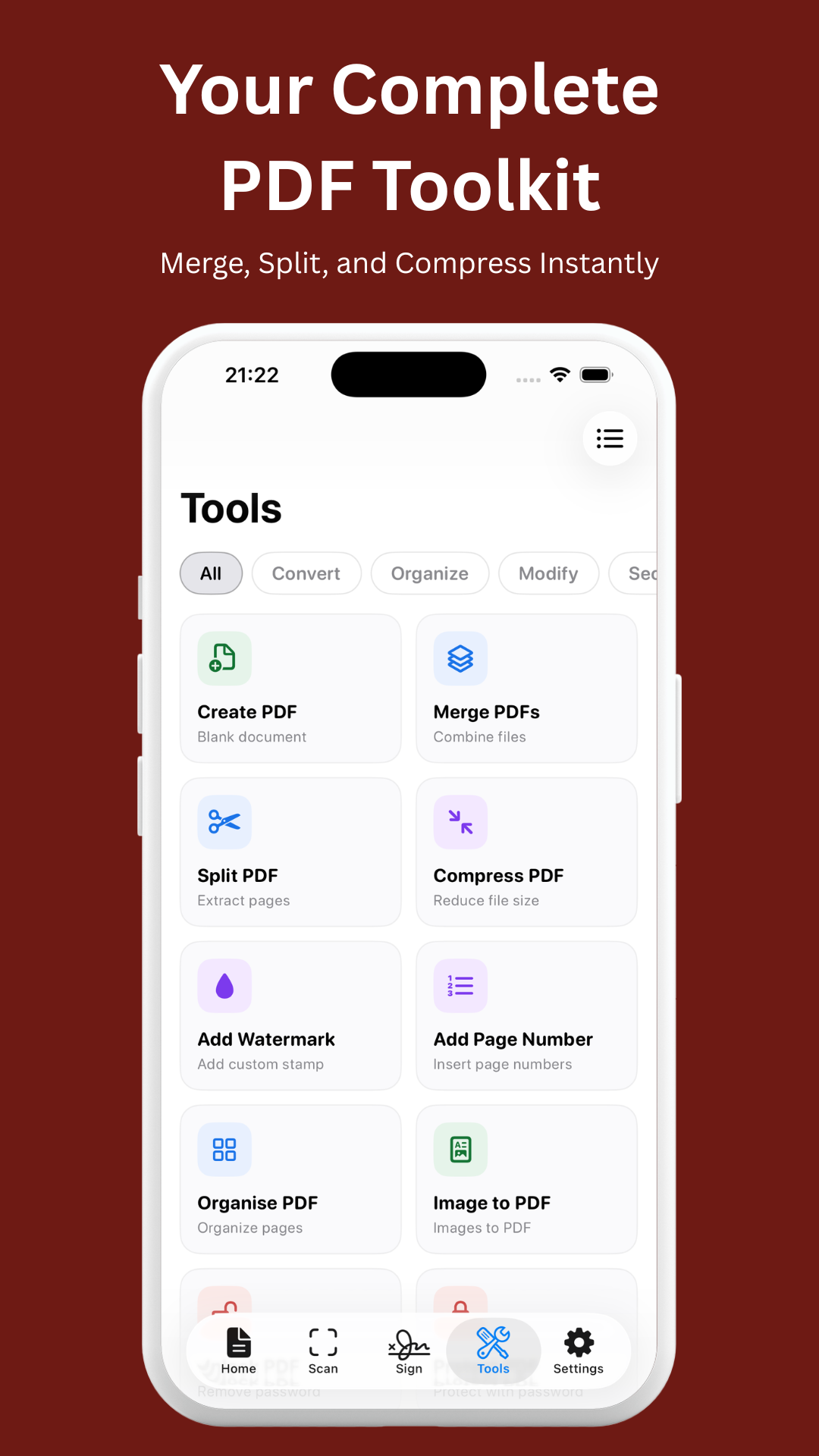
View, edit, scan, sign, merge, split, and convert PDFs — all in one beautiful app. 10 powerful tools, no ads, no subscriptions, no cloud uploads. Your documents never leave your device.
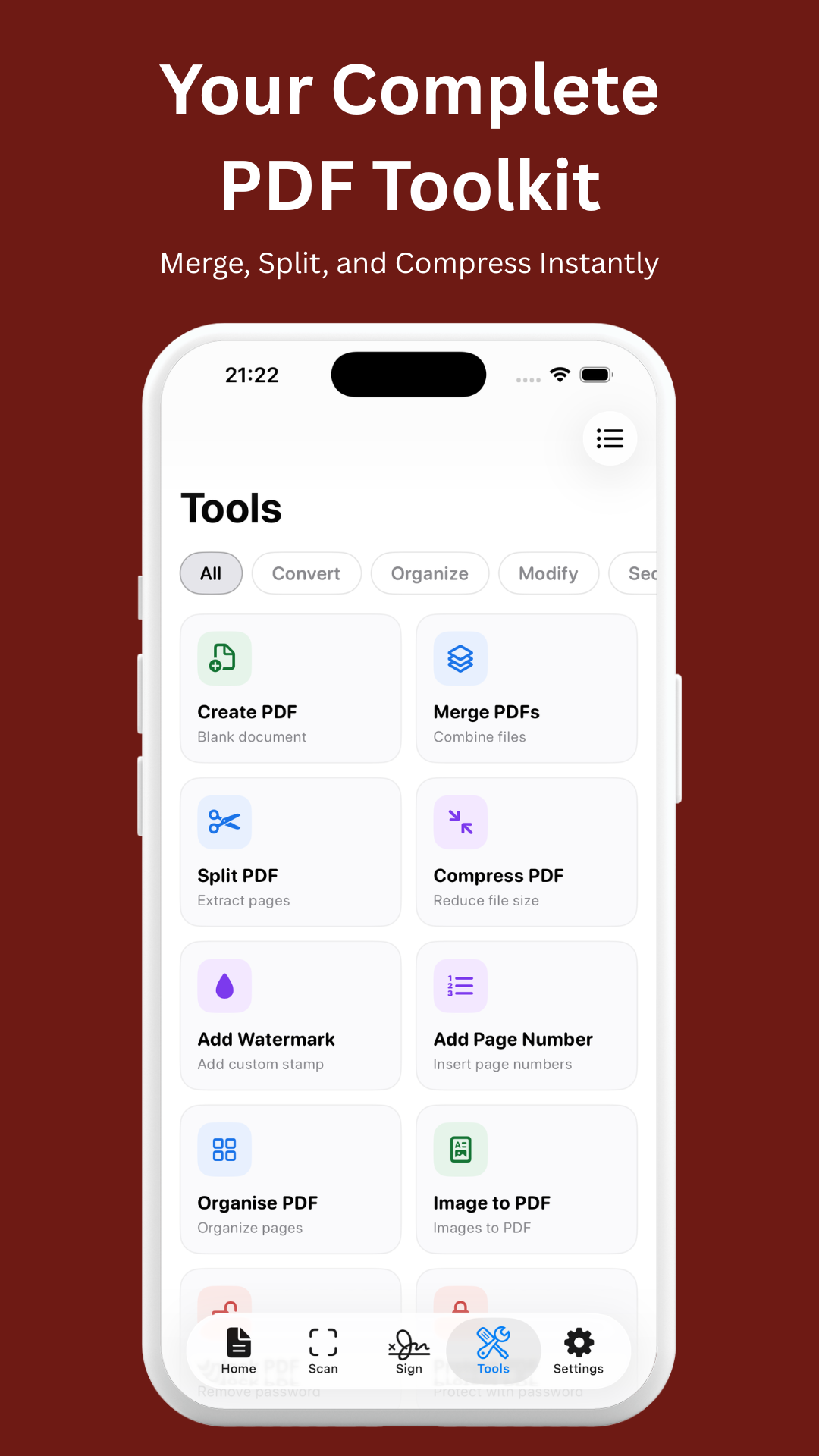
A complete PDF toolkit that works entirely on your device. No internet required, no file size limits, no hidden costs.
Fast, smooth reading with pinch-to-zoom, page jumping, bookmarks, and automatic reading progress tracking across sessions.
Scan physical documents with automatic edge detection and perspective correction. Instantly convert to high-quality, shareable PDFs.
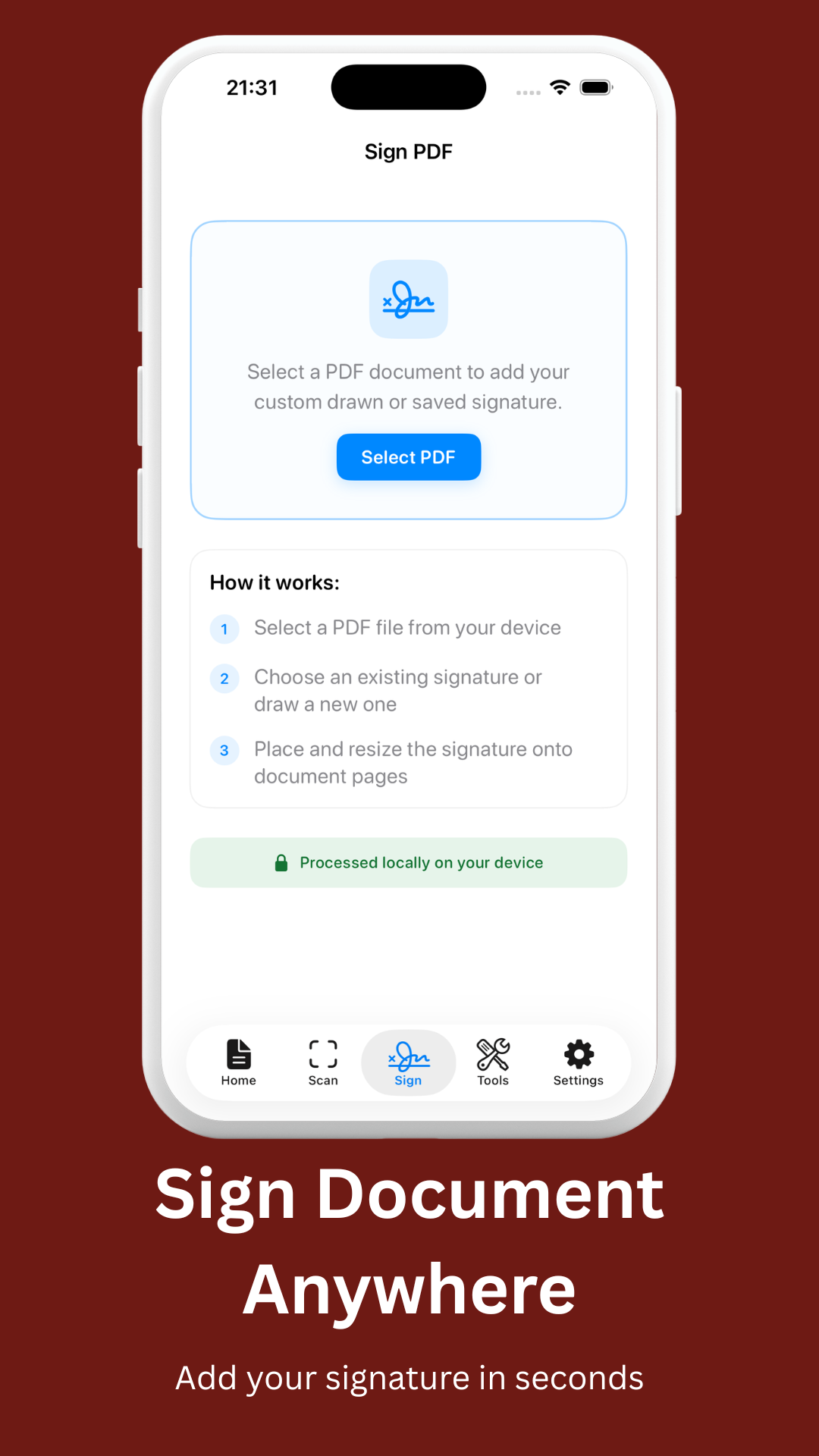
Draw or type signatures, save them for reuse, place and resize on any page. Fill interactive PDF form fields (AcroForms) with ease.
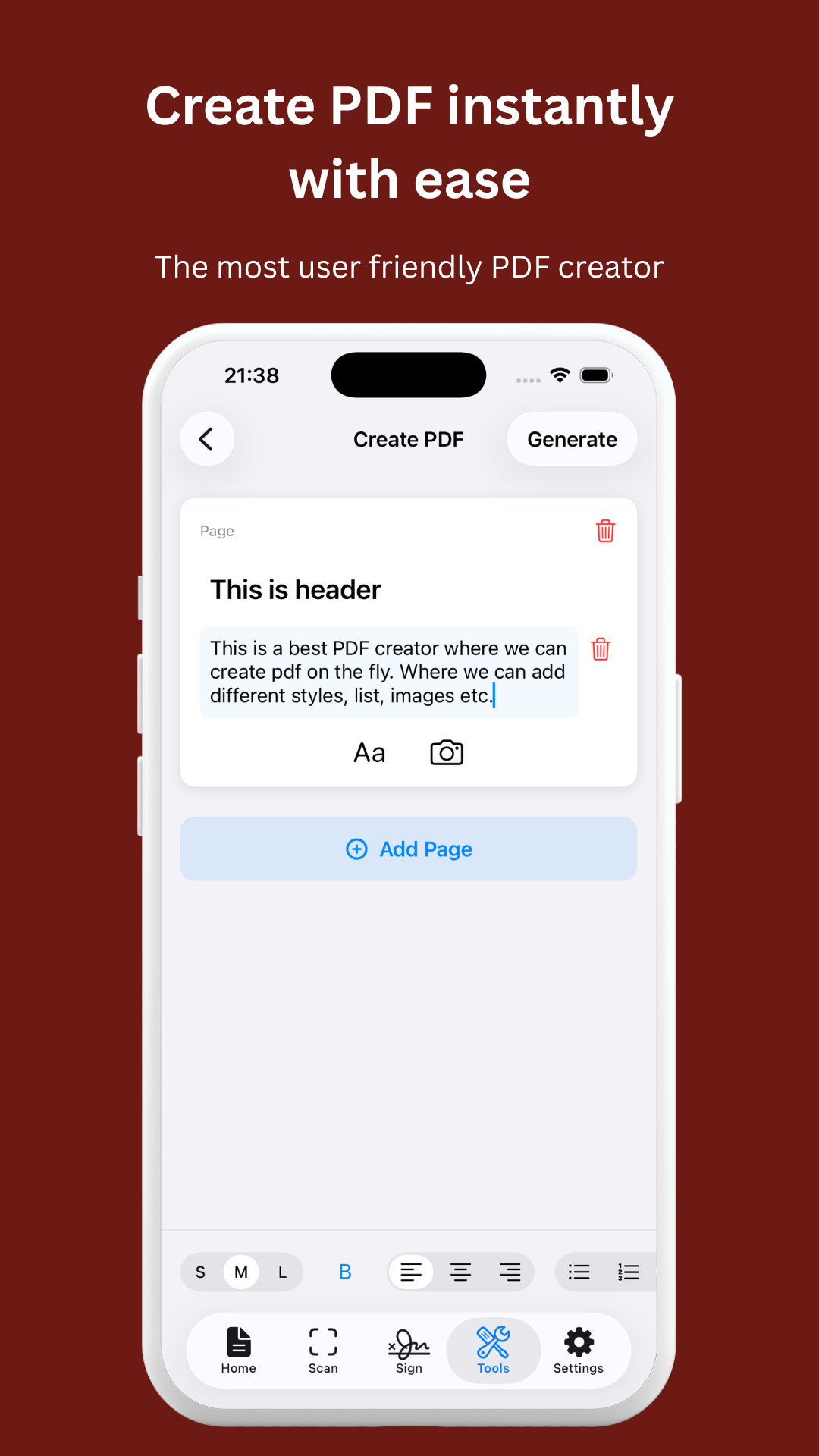
Create multi-page PDFs from scratch with a rich block editor. Add text with formatting, headers, lists, colors, and inline images.
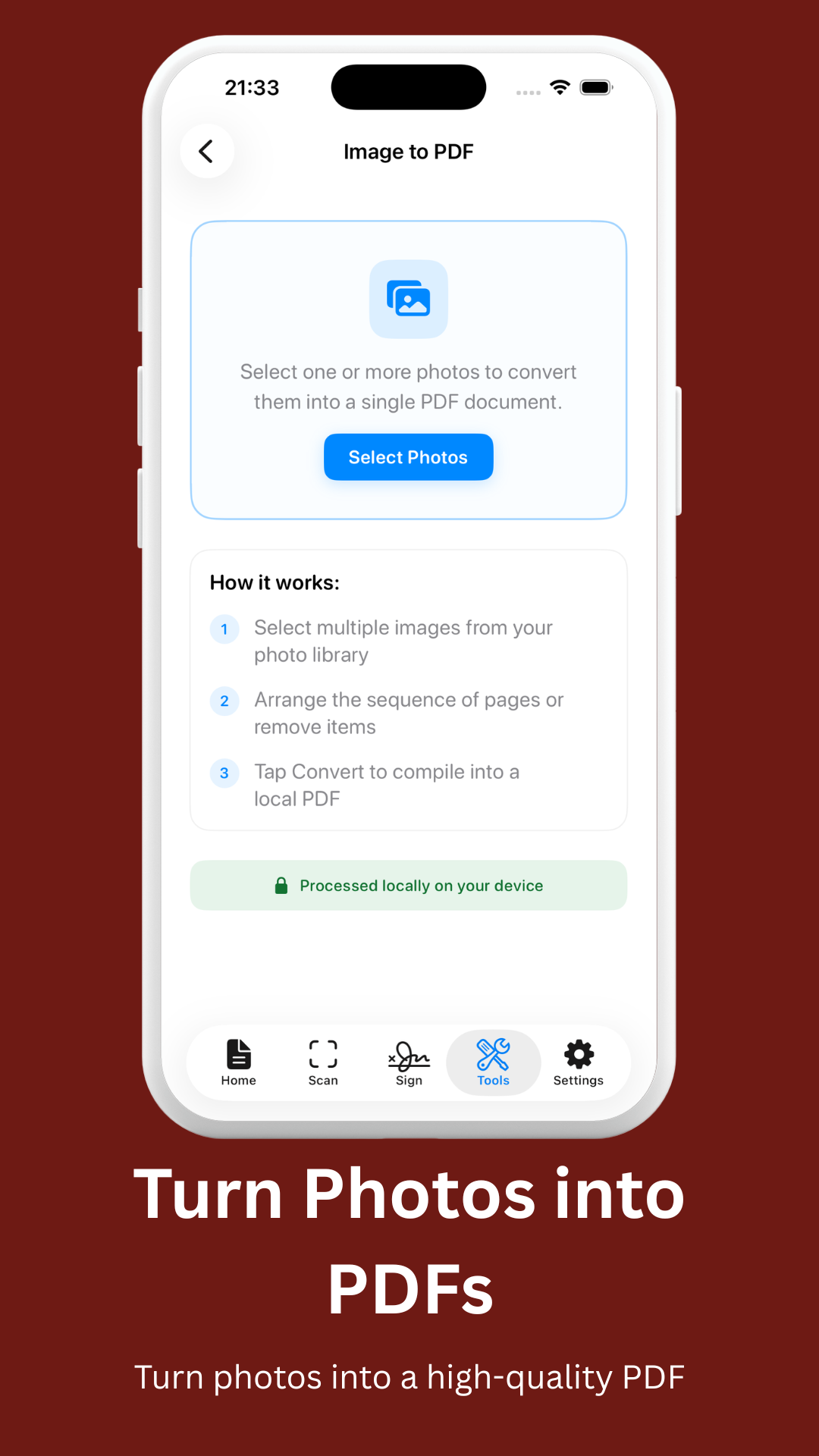
Transform JPG, PNG, and WebP images into polished PDF documents. Batch convert multiple images into a single PDF.
Convert Microsoft Word documents into PDF format directly on your device. No cloud processing, no file size limits.
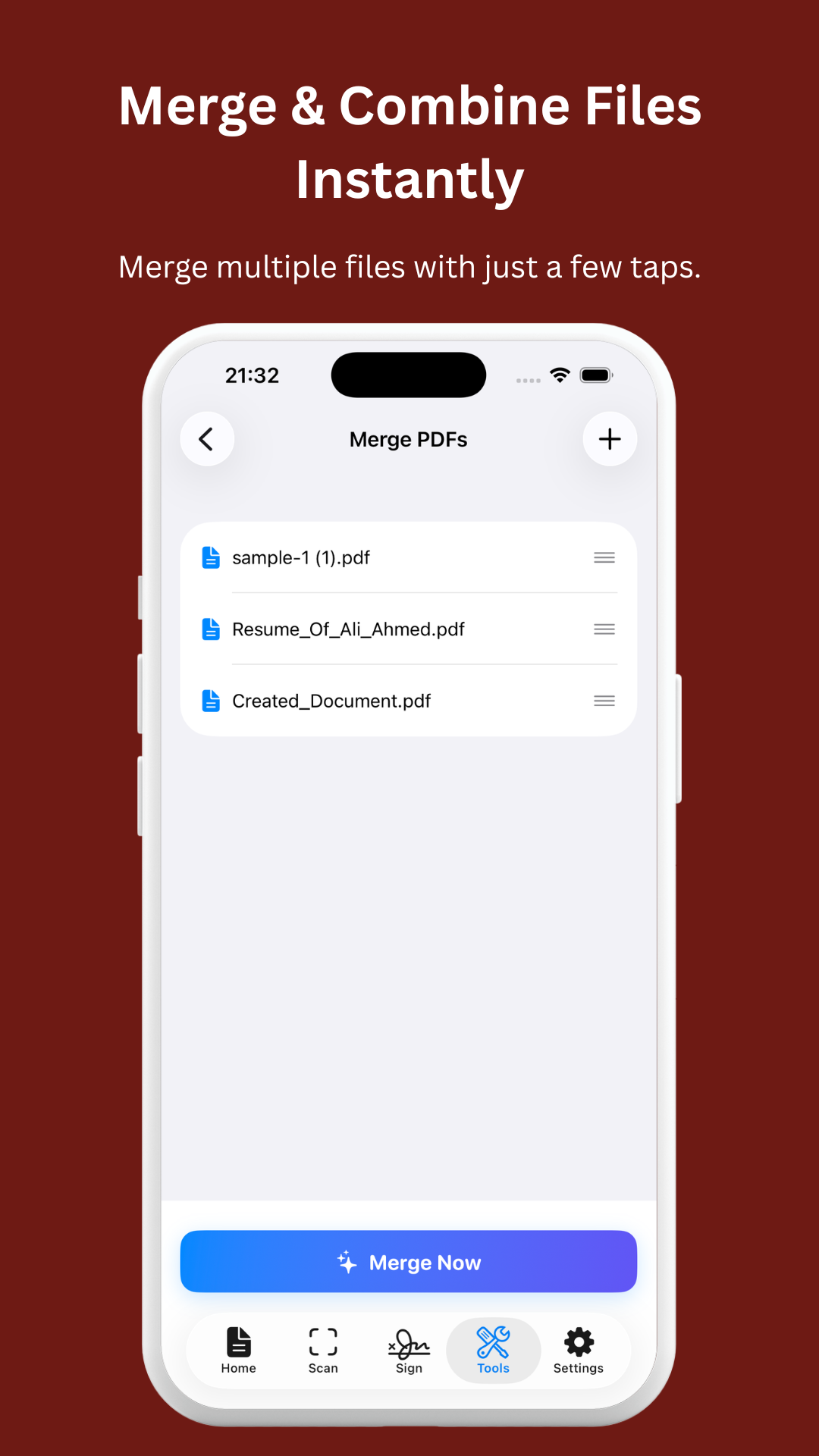
Combine multiple PDF files into one document. Reorder pages, select specific files, and create a unified PDF in seconds.
Extract specific pages or page ranges from any PDF into a new, smaller document. Perfect for sharing only what matters.
Protect sensitive PDFs with password encryption or remove password protection from existing locked files.
Pull text content from any PDF using optical character recognition. Copy, share, or save extracted text instantly.
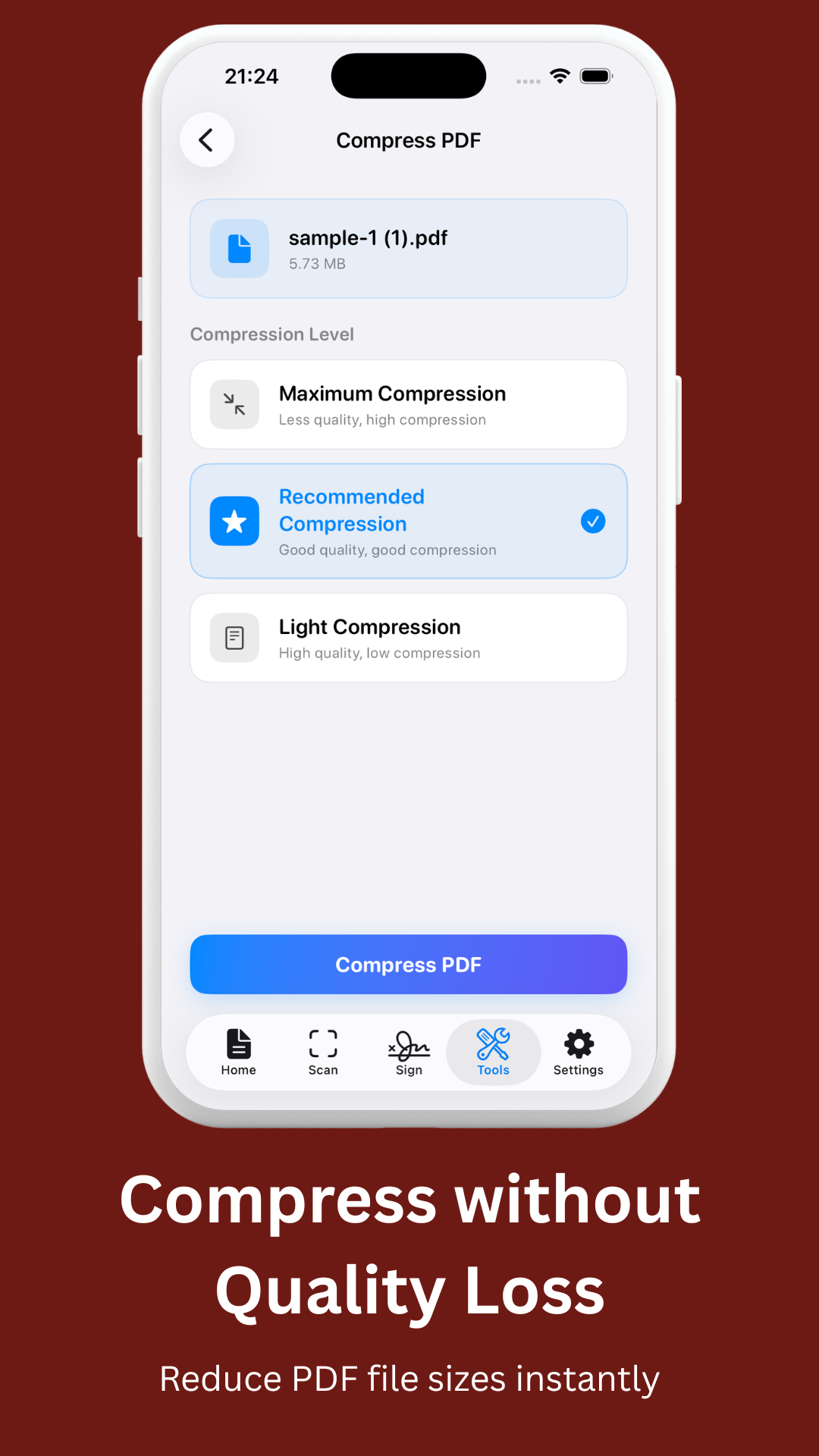
Shrink PDF file size by up to 75% with adjustable quality levels. Perfect for email attachments and saving storage space.
Watch a quick demonstration of our powerful, offline PDF tools on Android.
Your documents never leave your device. MyPDF is built with a privacy-first architecture that meets corporate security requirements. No data exfiltration risk.
Yes! The MyPDF Android app provides a completely ad-free experience with no in-app purchases or subscriptions. Our suite of web-based PDF tools is also entirely free to use, supported only by unintrusive ads to keep the platform accessible to everyone.
No. MyPDF uses a privacy-first, local processing architecture. Whether you use the Android app or the web tools, all document processing happens entirely on your own device. Your files never leave your phone or browser, ensuring maximum privacy and data security.
Absolutely. The MyPDF Android app is designed to work 100% offline. You can scan, merge, split, sign, and compress PDFs anywhere without needing an internet connection. Our web tools also leverage modern browser technology to process files locally.
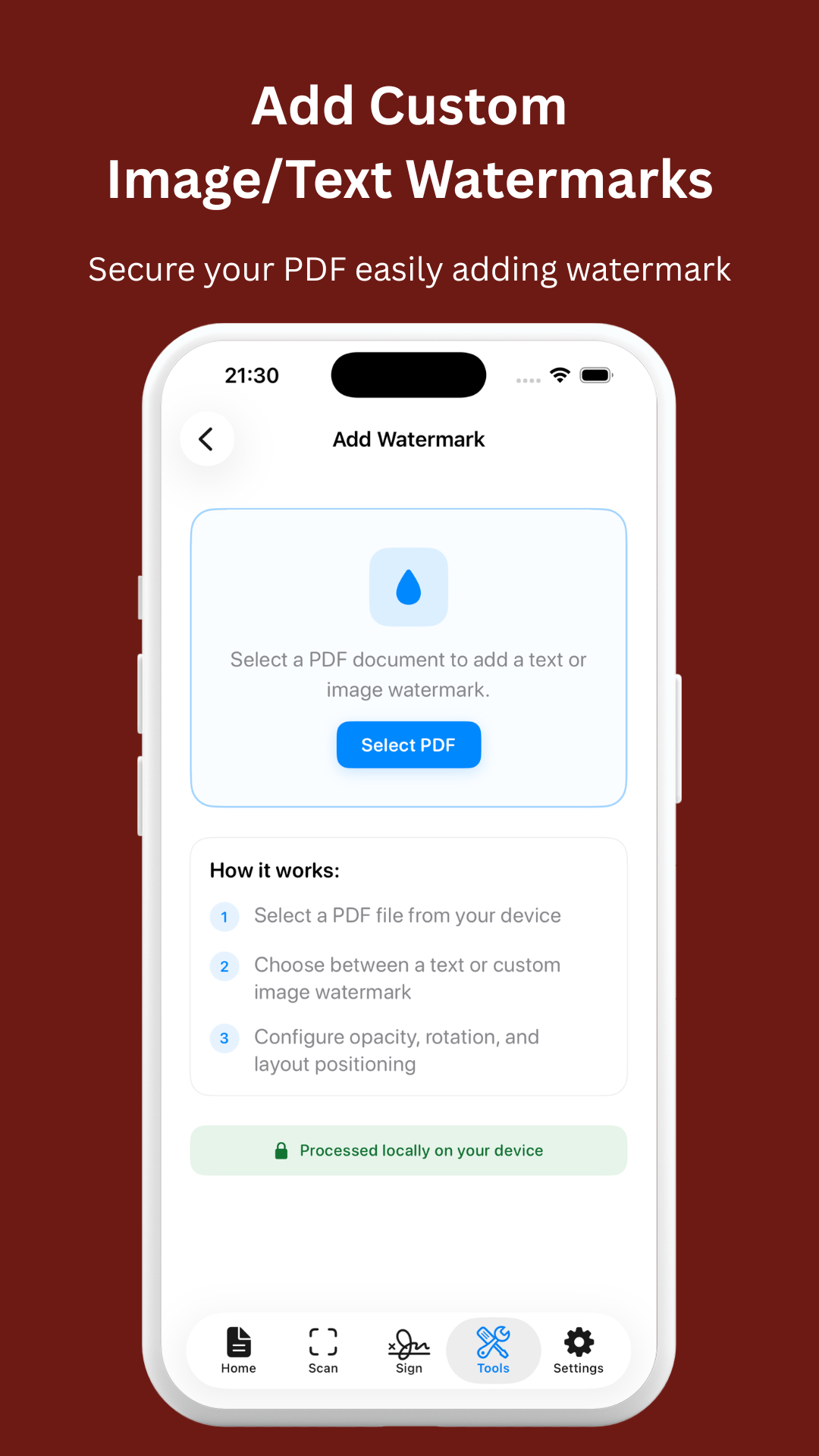
MyPDF provides a robust set of features to handle all your document needs. You can merge multiple PDFs, split documents by page ranges, extract text using advanced OCR, compress file sizes, add watermarks, lock/unlock PDFs with passwords, and convert images (JPG, PNG) or Word documents (DOCX) into high-quality PDFs.
Yes. Because MyPDF processes files locally and never transmits document data to external cloud servers, it is the ideal solution for professionals handling sensitive corporate, legal, or healthcare documents. No third-party analytics SDKs have access to your files, guaranteeing strict confidentiality.
Download MyPDF for free or try our secure, offline web tools directly in your browser.